> For the complete documentation index, see [llms.txt](https://docs.atloss.de/llms.txt). Markdown versions of documentation pages are available by appending `.md` to page URLs; this page is available as [Markdown](https://docs.atloss.de/en/included-extensions/checkout.md).

# Checkout

Der [Checkout](/en/academy/technical-terms/checkout.md) ist der wichtigste Vorgang in einem Online Shop und bildet das Herzstück deiner E-Commerce Präsenz. Daher haben wir uns dafür entschieden den kompletten Vorgang vom Warenkorb, über die Registrierung und Checkout Bestätigung bis hin zum Bestellabschluss zu optimieren.

Dabei haben wir uns layouttechnisch am bewährten Shopify Checkout orientiert, der zu den best konvertierenden Checkouts aller Shopsysteme zählt. Einfaches Design, gepaart mit optimierter Usability für Desktop, Tablet und mobilen Endgeräten, verleiht deinem Shop mit dem Theme einen klaren Vorteil zu herkömmlichen Shopware Shops.

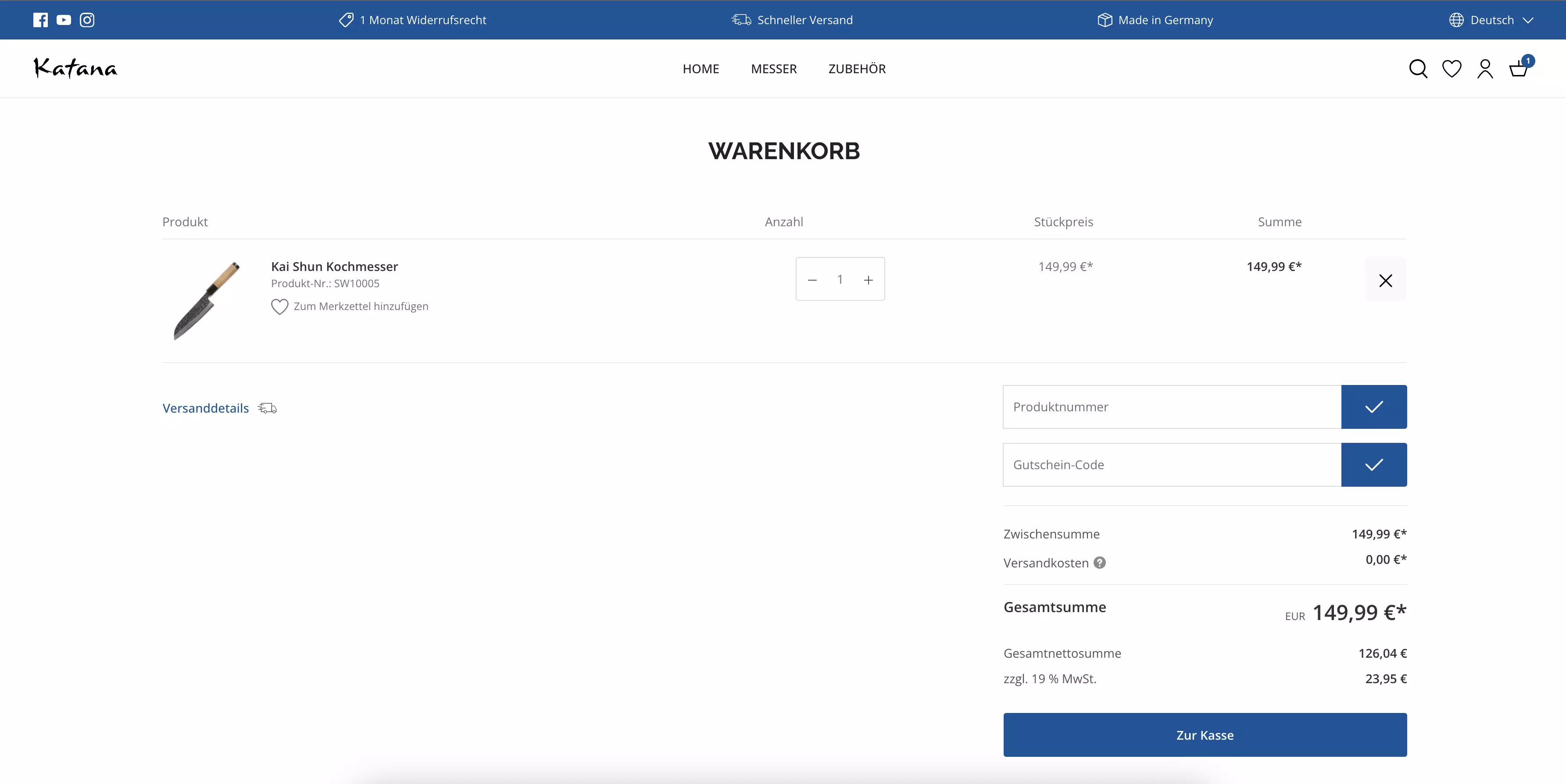
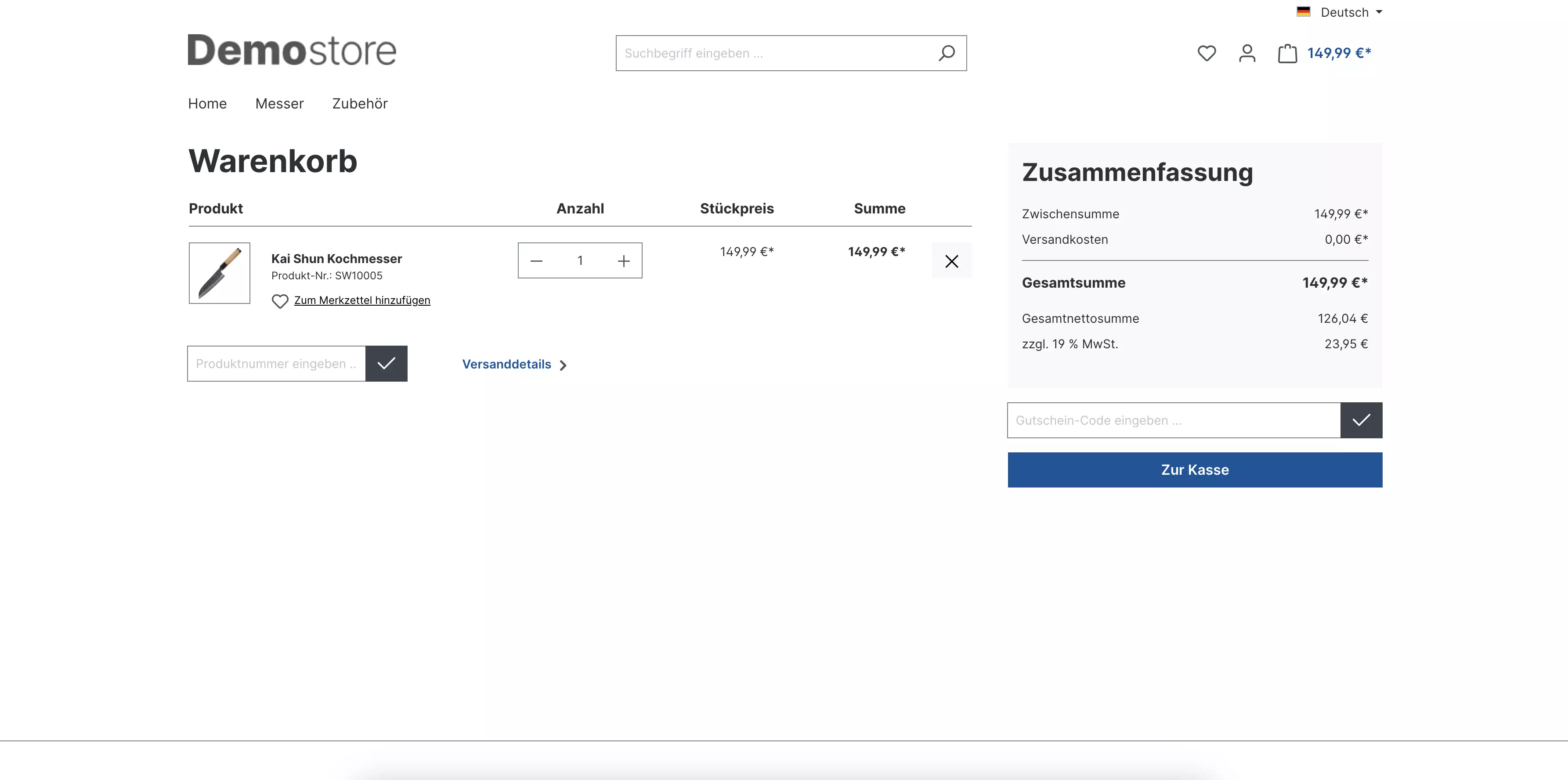
So gibt es zunächst Layout-Anpassungen im Warenkorb:

<div><figure><img src="https://content.gitbook.com/content/33GKvYy9I8ydtLM82CBS/blobs/j0Ep8TohiEVctTsgendA/checkout-standard-warenkorb.webp" alt=""><figcaption><p>Shopware Standard Warenkorb</p></figcaption></figure> <figure><img src="https://content.gitbook.com/content/33GKvYy9I8ydtLM82CBS/blobs/8LtZpPBdo00HFCDrMrJJ/checkout-katana-warenkorb.webp" alt=""><figcaption><p>Theme Warenkorb</p></figcaption></figure></div>

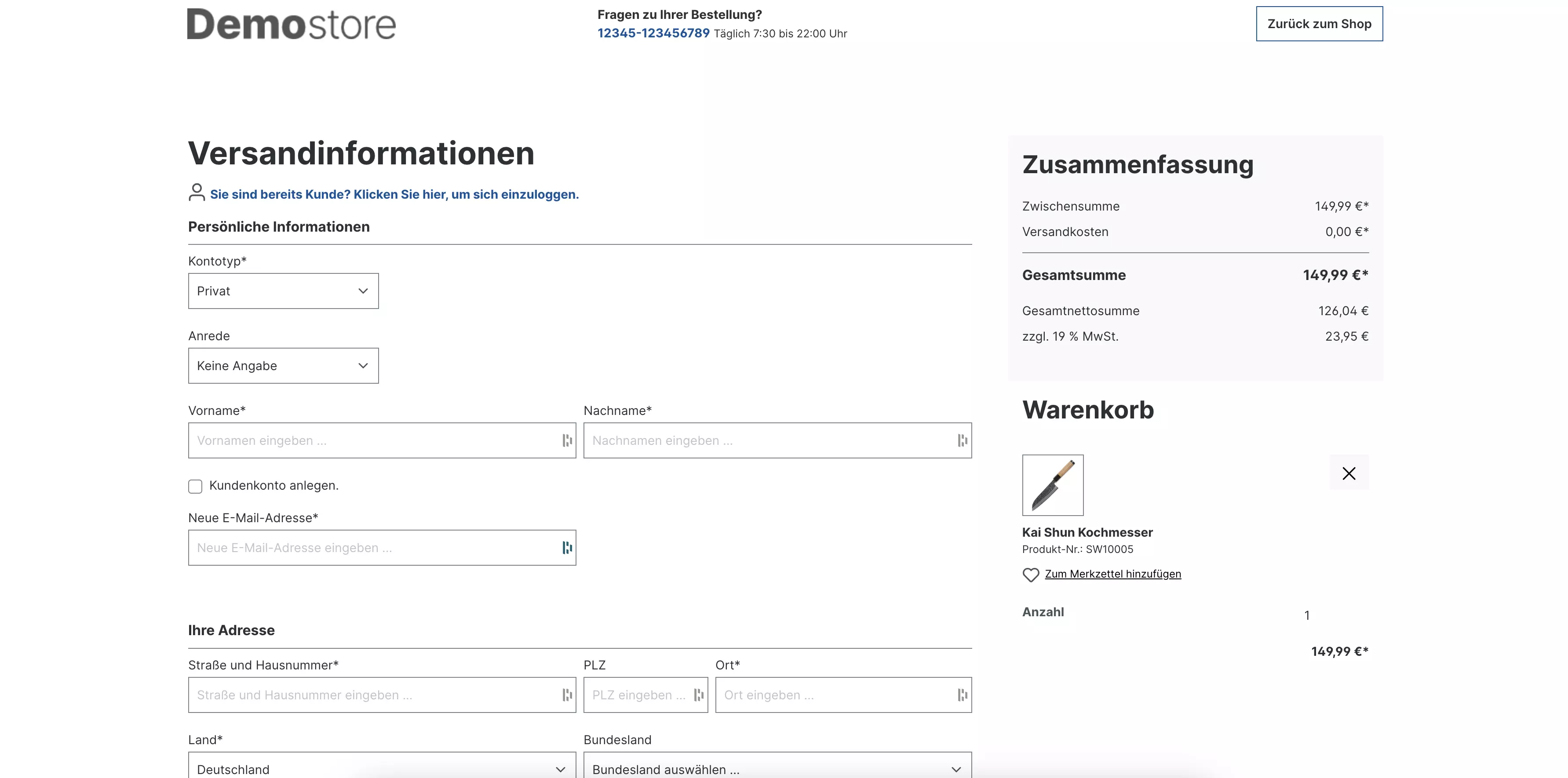
Eine komplette Überarbeitung findet erstmals in der Checkout Registrierung statt. So wird das Login Formular ersichtlicher, Registrierungs-Formularfelder übersichtlicher zusammengefasst und die Eingabe von Gutscheincodes ermöglicht:

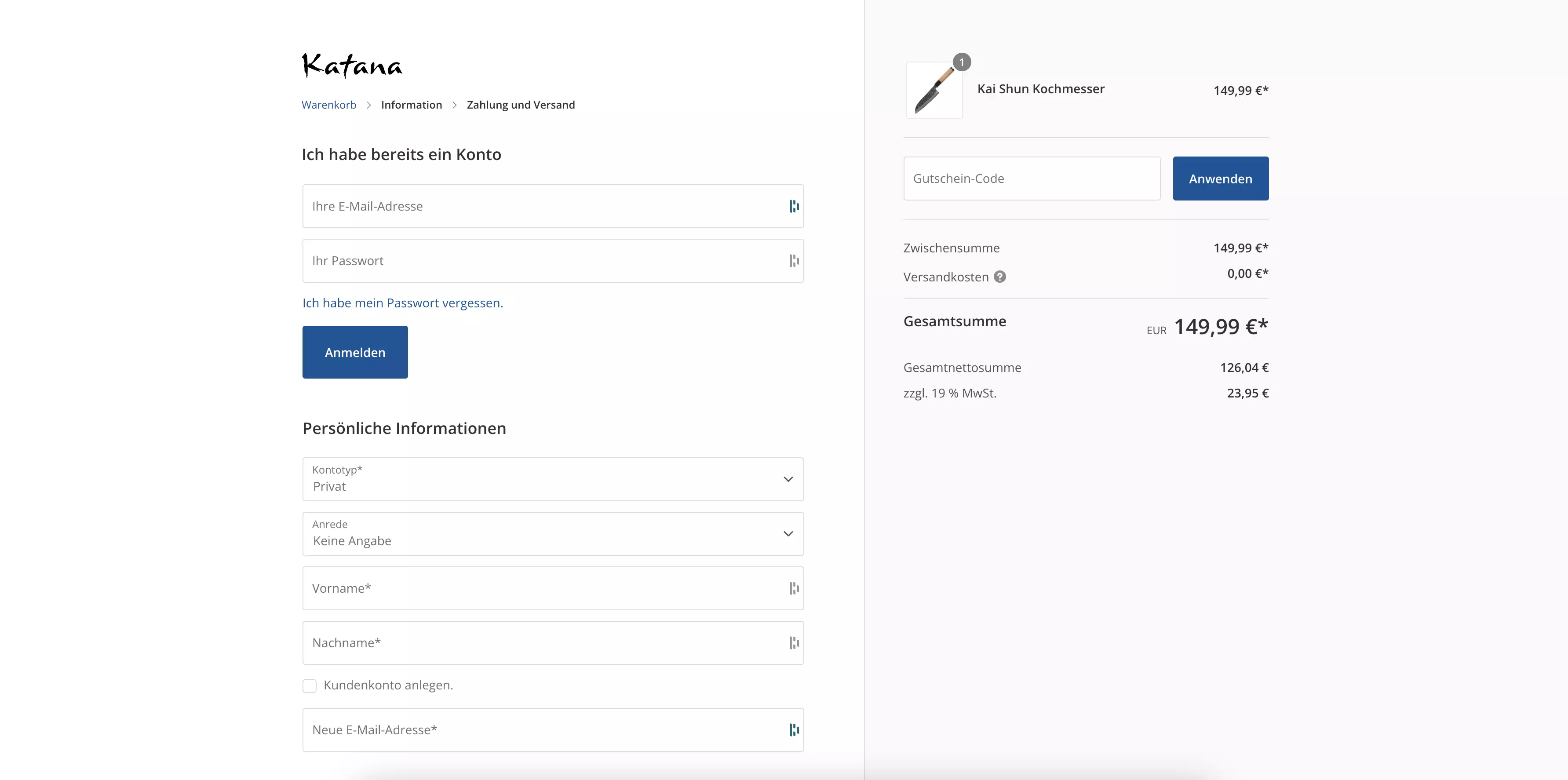
<div><figure><img src="https://content.gitbook.com/content/33GKvYy9I8ydtLM82CBS/blobs/hbBy0lzpN1M1UR2S6IeL/checkout-standard-registrierung.webp" alt=""><figcaption><p>Shopware Standard Checkout Registrierung</p></figcaption></figure> <figure><img src="https://content.gitbook.com/content/33GKvYy9I8ydtLM82CBS/blobs/kC5z2FrAZJqA4WX78lwG/checkout-katana-registrierung.webp" alt=""><figcaption><p>Theme Checkout Registrierung</p></figcaption></figure></div>

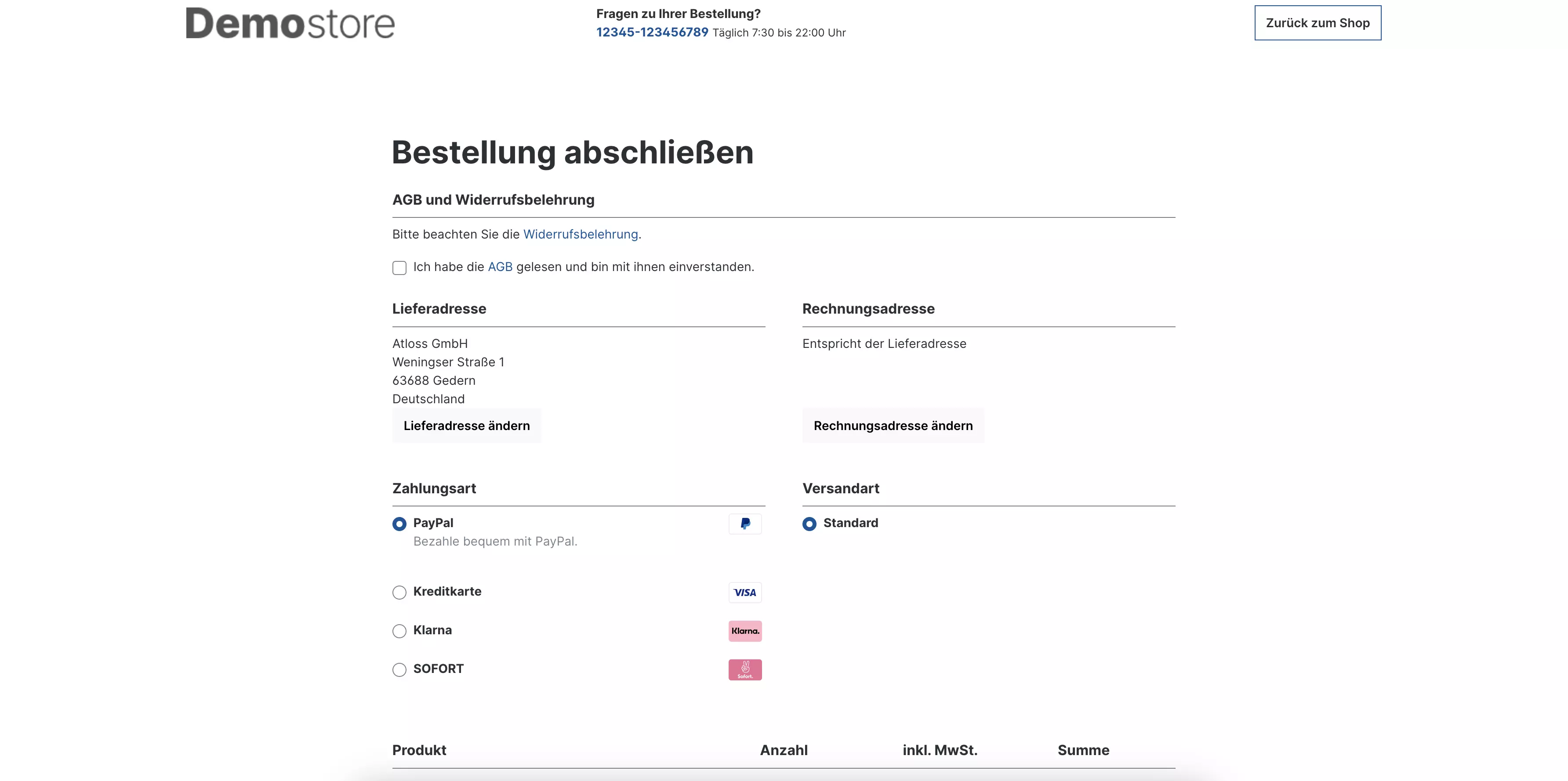
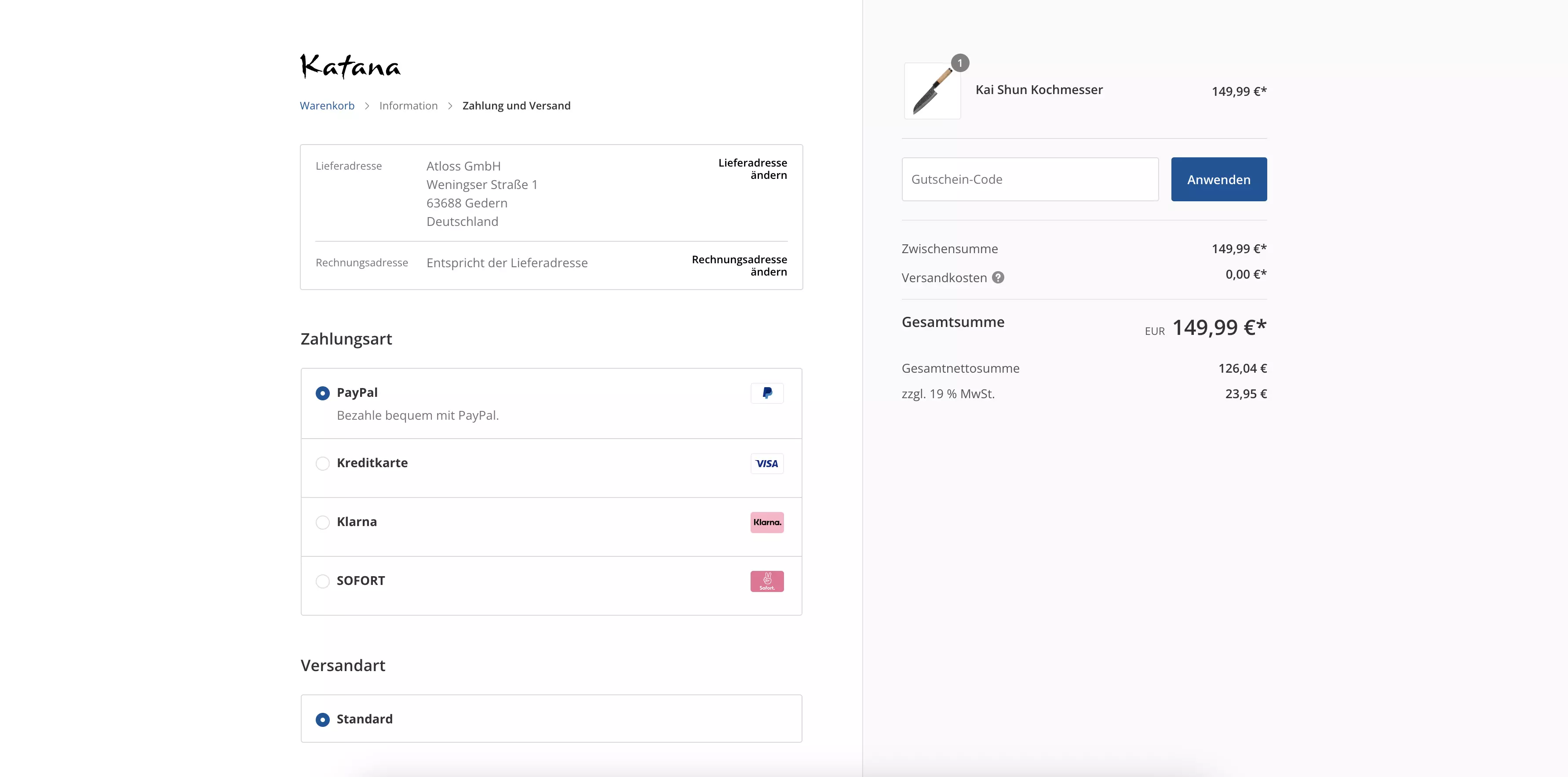
Auch die Checkout Bestätigung wurde grundlegend neugestaltet. Liefer- und Rechnungsadresse, sowie die Zahlungs- und Versandarten werden übersichtlicher präsentiert. Die Zustimmung der AGBs findet direkt am "Zahlungspflichtig bestellen" Button statt, sodass der Besucher nicht noch einmal zum Start der Seite scrollen muss. Die Warenkorbpositionen bleiben außerdem dauerhaft für den Besucher ersichtlich. Ebenfalls ist auch hier ist die Eingabe von Gutscheincodes möglich:

<div><figure><img src="https://content.gitbook.com/content/33GKvYy9I8ydtLM82CBS/blobs/yLy6aJOIWNk12o8pBdO4/checkout-standard-besta%CC%88tigung.webp" alt=""><figcaption><p>Shopware Standard Checkout Bestätigung</p></figcaption></figure> <figure><img src="https://content.gitbook.com/content/33GKvYy9I8ydtLM82CBS/blobs/7g30thg5QQzykHsTqGzt/checkout-katana-besta%CC%88tigung.webp" alt=""><figcaption><p>Theme Checkout Bestätigung</p></figcaption></figure></div>

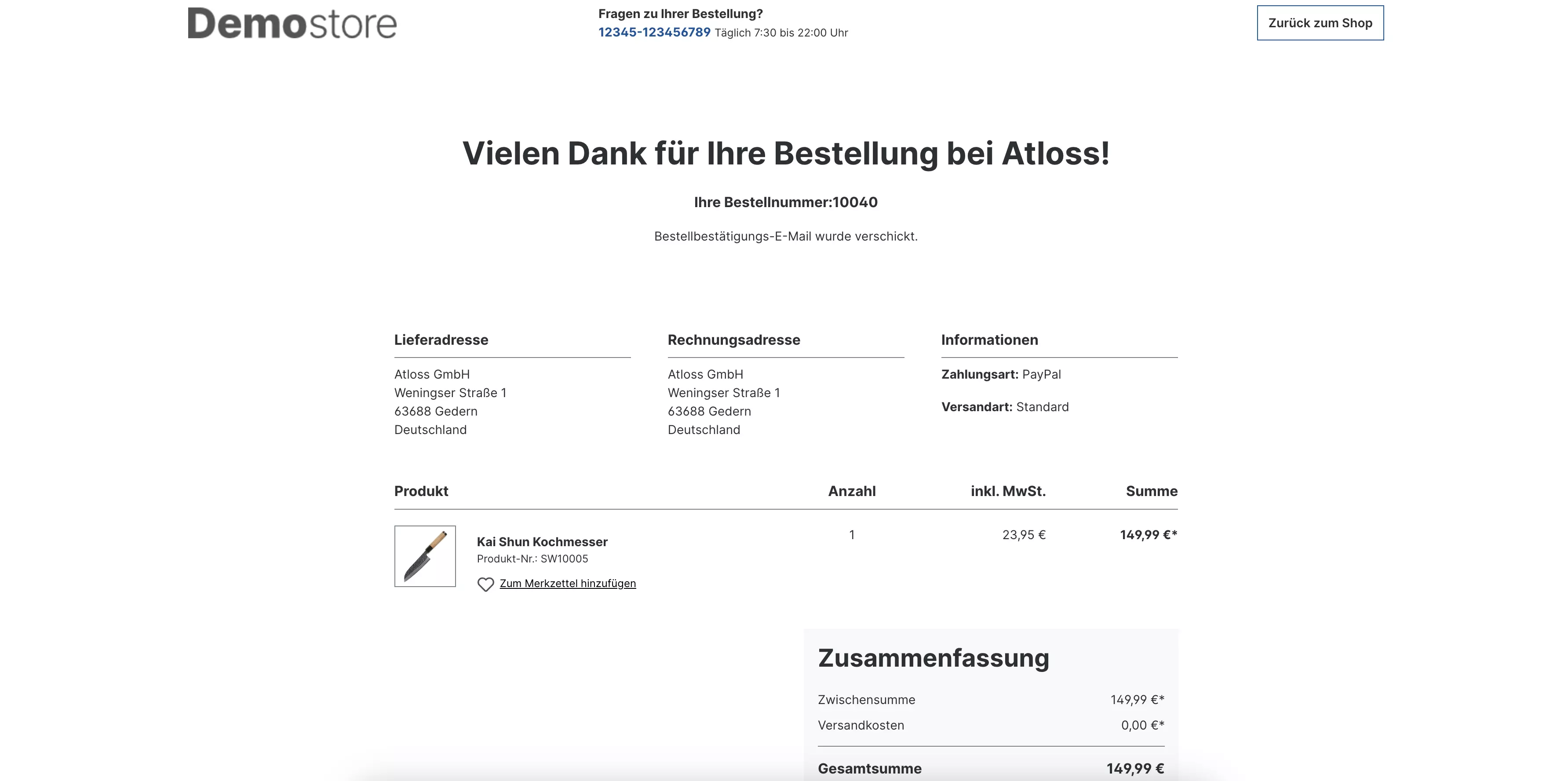
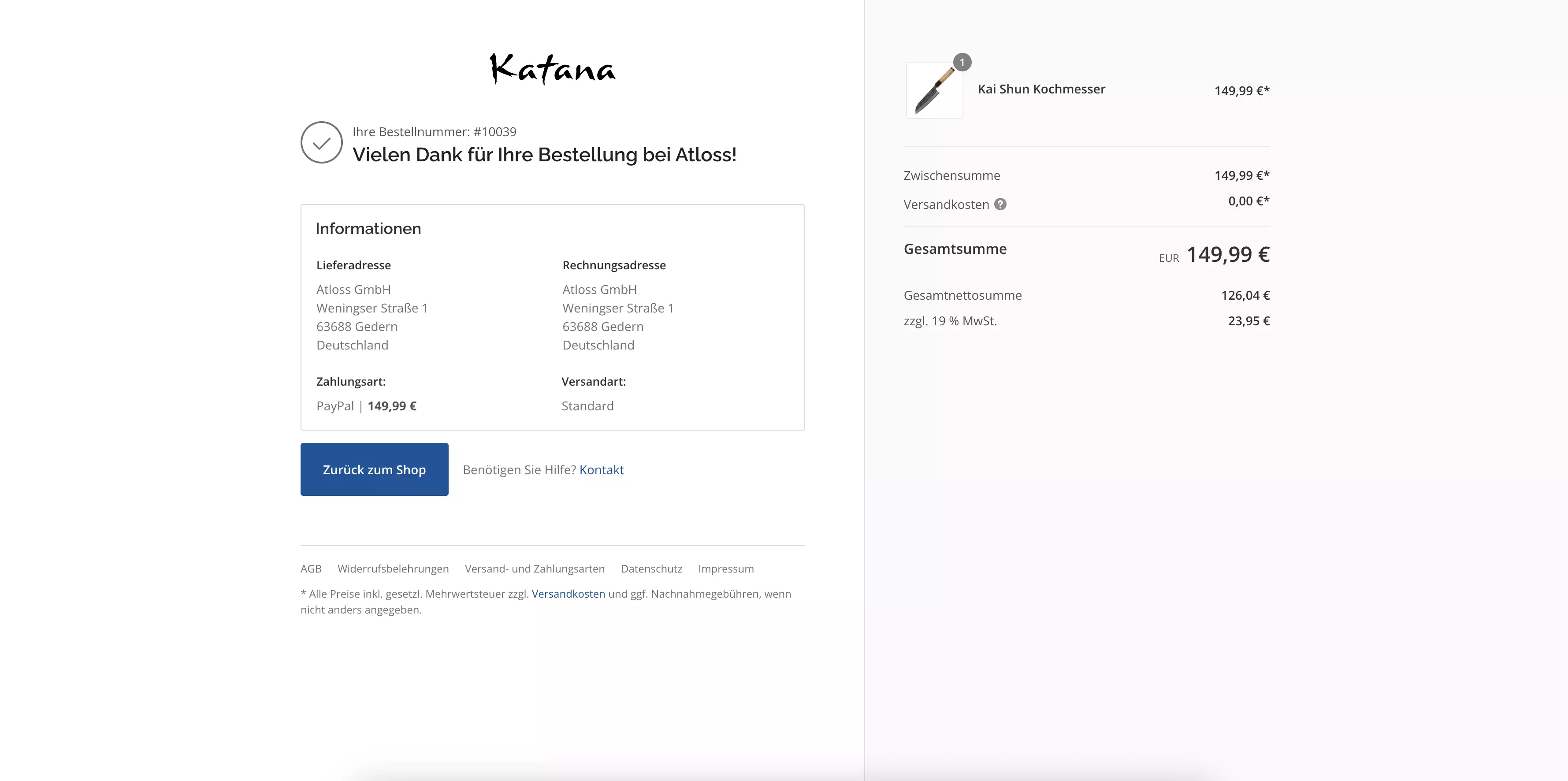
Abschließend wurde auch der Bestellabschluss optimiert. Informationen zur Bestellung werden kompakter zusammengefasst und die Warenkorbpositionen befinden sich nach wie vor bis zum Ende an der selben Stelle:

<div><figure><img src="https://content.gitbook.com/content/33GKvYy9I8ydtLM82CBS/blobs/oLKSE13kvpVzduPaaaBZ/checkout-standard-abschluss.webp" alt=""><figcaption><p>Shopware Standard Checkout Abschluss</p></figcaption></figure> <figure><img src="https://content.gitbook.com/content/33GKvYy9I8ydtLM82CBS/blobs/vNv9Txhr5sMCkf14IHGx/checkout-katana-abschluss.webp" alt=""><figcaption><p>Theme Checkout Abschluss</p></figcaption></figure></div>


---

# Agent Instructions
This documentation is published with GitBook. GitBook is the documentation platform designed so that both humans and AI agents can read, navigate, and reason over technical content effectively. Learn more at gitbook.com.

## Querying This Documentation
If you need additional information that is not directly available in this page, you can query the documentation by asking a question.

Perform an HTTP GET request on the following URL with the `ask` and `goal` query parameters:

```
GET https://docs.atloss.de/en/included-extensions/checkout.md?ask=<question>&goal=<user_goal>
```

`ask` is the immediate question: it should be specific, self-contained, and written in natural language.
`goal` is what the user is ultimately trying to achieve, the reason they need the answer. Sharing it helps GitBook give you a better, more relevant answer. A goal is most helpful when it describes the outcome the user wants rather than restating the question. For example, with `ask=how do I create an API token`, a goal like `automate deployments from our CI pipeline` lets GitBook tailor the answer to that use case.

The response will contain a direct answer to the question and relevant excerpts and sources from the documentation.

Use this mechanism when the answer is not explicitly present in the current page, you need clarification or additional context, or you want to retrieve related documentation sections.